DocsGetting started
Sign in and add devices
Sign in to your Box at box.local with your password, and add another phone or laptop with your password or a 6-digit pairing code.
Sign in to your Box on any phone or computer, with your password or a 6-digit pairing code.
You need to be on the same Wi-Fi as your Box. Away from home? See Reach your Box from anywhere. No password yet? Start with Set up your Box.
Sign in with your password
- In a web browser, go to box.local.
- On the Password tab, type your Box password.
- Tap Sign in.
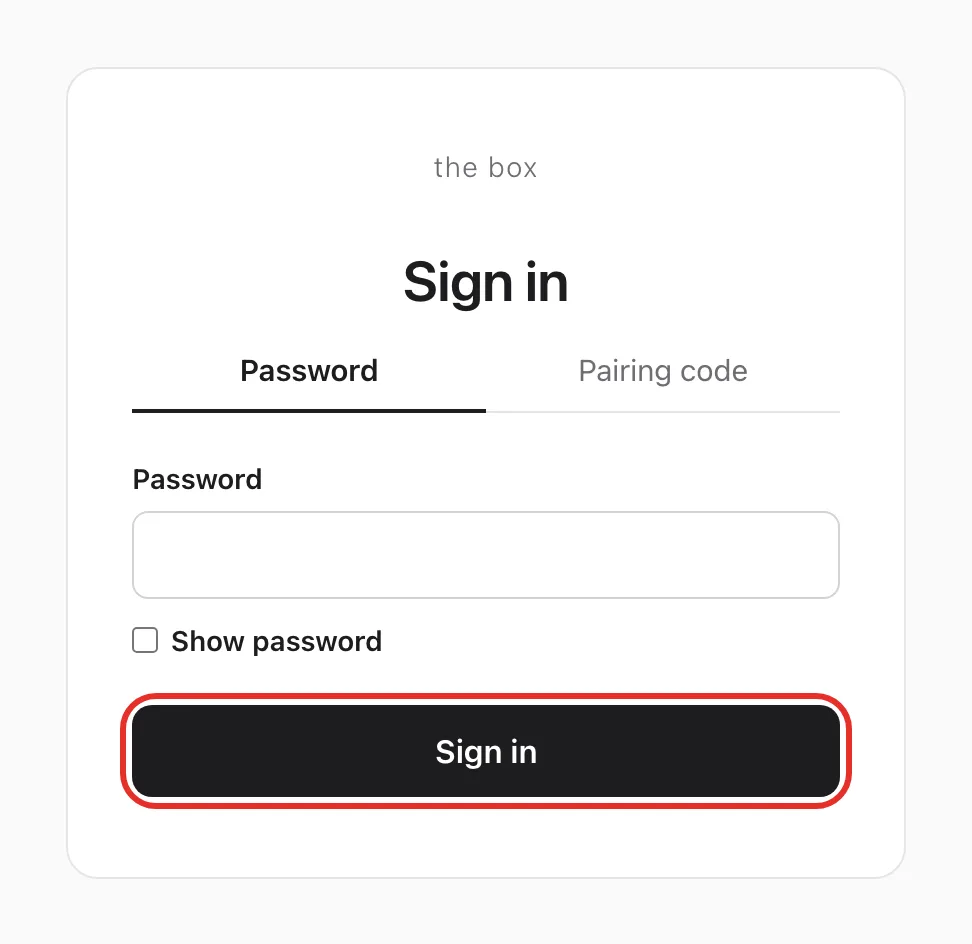
The chat screen opens. That browser stays signed in for up to a year.
Add a device with a pairing code
No password needed on the new device, just one device that is already signed in.
On the signed-in device
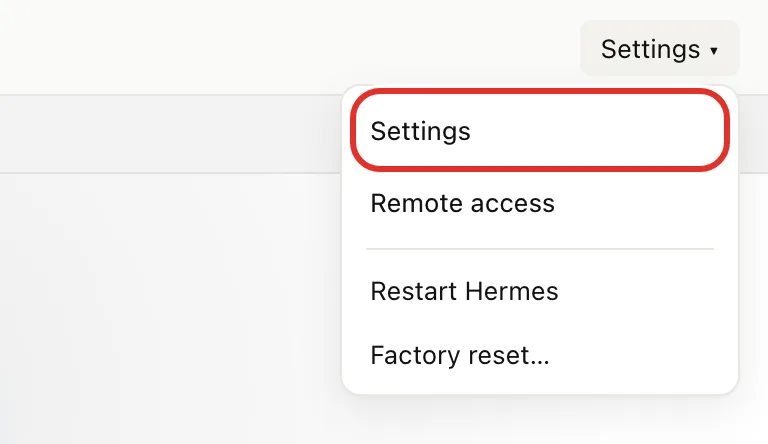
- Open box.local and tap Settings at the top right, then Settings in the menu.
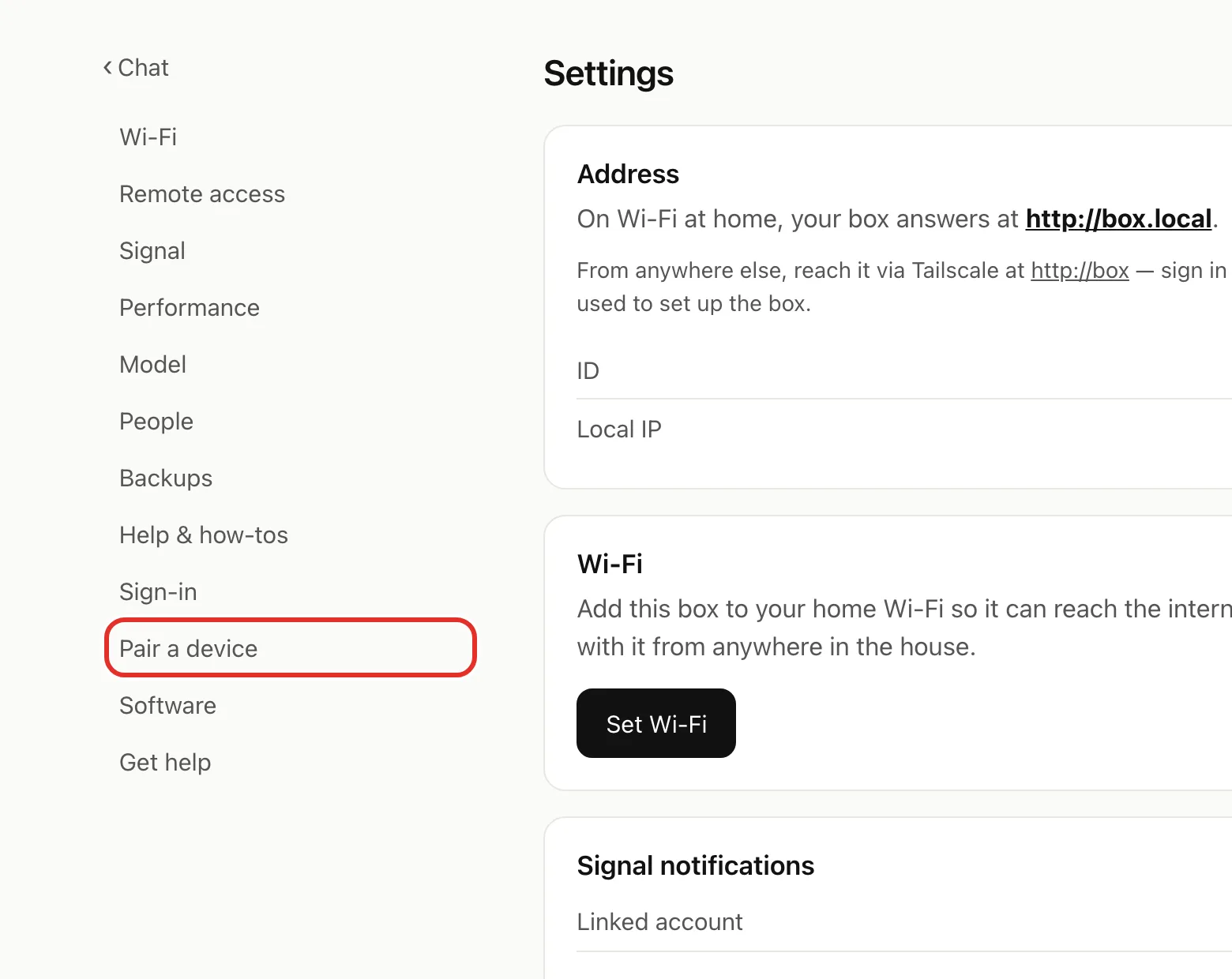
- Tap Pair a device (on a phone, the list is at the top).
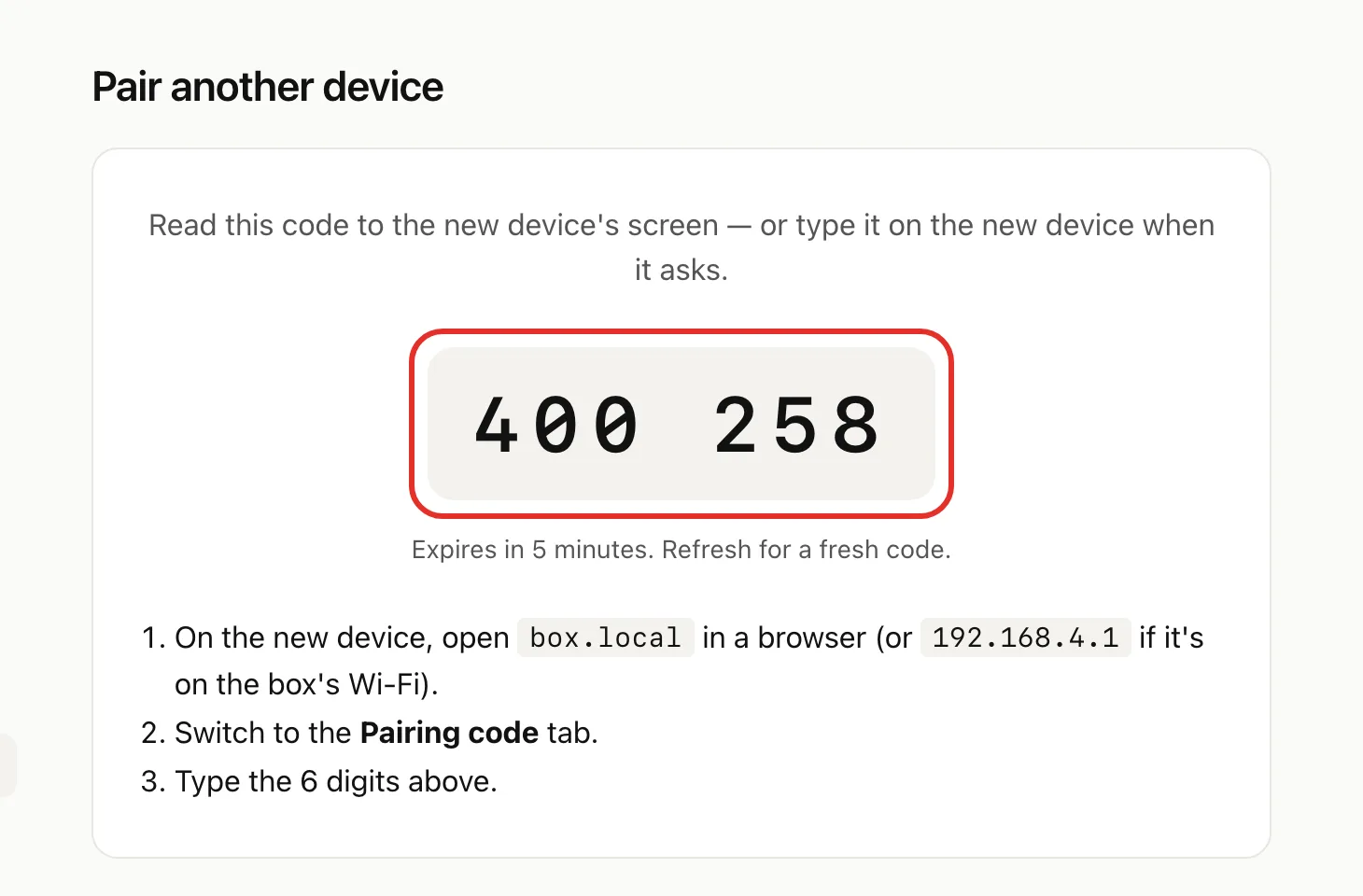
- Keep the 6-digit code on screen.
On the new device
- In a web browser, go to box.local.
- Tap the Pairing code tab.
- Type the 6 digits and tap Pair this device.
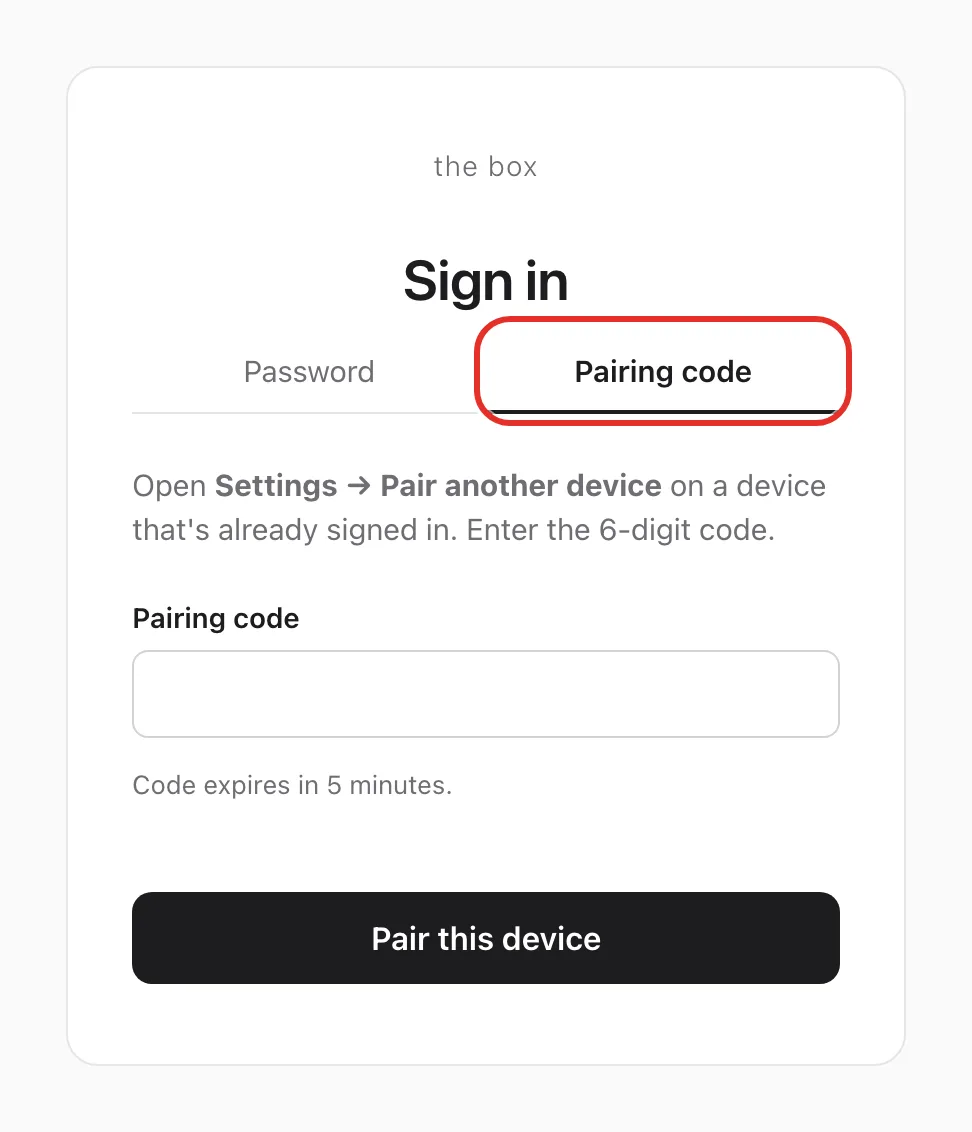
Each code lasts 5 minutes and works once.
If something goes wrong
- "That password isn't right." Ignore the hint about the sticker: use the password you set, and check capitals.
- "That pairing code isn't valid (or expired)." Mistyped, already used, or over 5 minutes old. Refresh Pair another device for a new code.
- "Locked for 60s" or "Try again in 45s". Too many wrong tries. Wait the time shown; repeated misses make the wait longer.
- Asked to sign in again. Sign-in belongs to the browser. A different browser, a private window, or cleared cookies needs a fresh sign-in.
- Changed your password. Devices already signed in stay signed in; only new ones need it. See Change your password.
- New device is on the Box's setup Wi-Fi. Go to 192.168.4.1 instead of box.local.
- box.local won't open. See Troubleshooting.
- Forgot your password. If a device is still signed in, pair new devices from it. Otherwise email michael.maddison@voxcura.io. See Change your password.
Verified on Box software 0.2.8 · 2026-10-05