DocsUse your Box
Performance: one person or several
Choose whether your Box gives one person a very long conversation or lets more people chat at the same time, and what happens when you switch.
Choose between one long conversation or more people chatting at once.
| Choice | Memory per conversation | People at once |
|---|---|---|
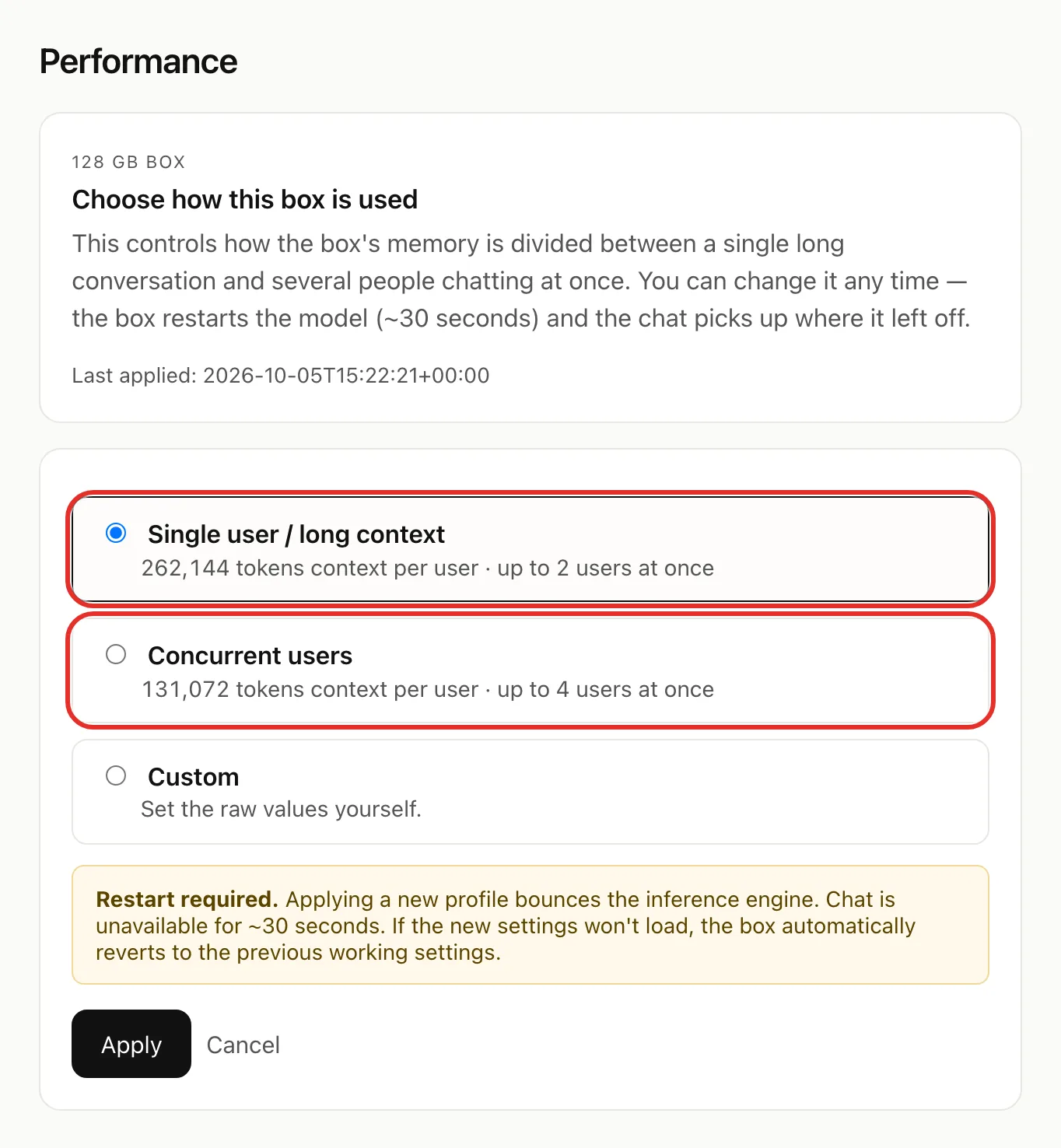
| Single user / long context | 262,144 tokens | up to 2 |
| Concurrent users | 131,072 tokens | up to 4 |
Pick Single user / long context for long chats and documents, Concurrent users if several people chat at once. The setting applies to everyone on the Box.
Open the Performance page
- Open box.local and sign in (help).
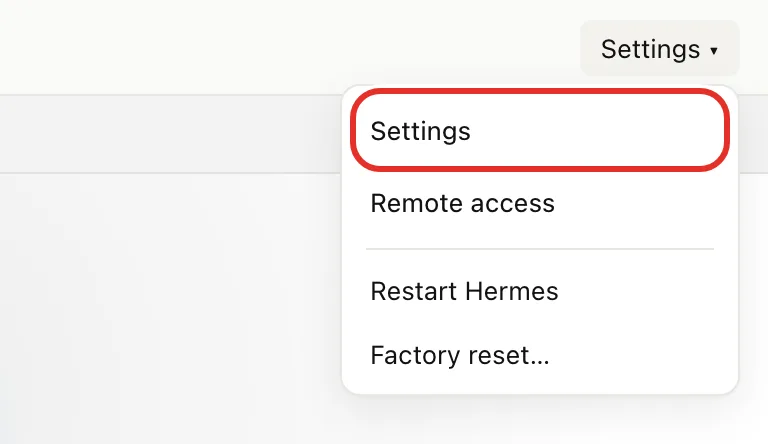
- Tap Settings at the top right, then Settings.
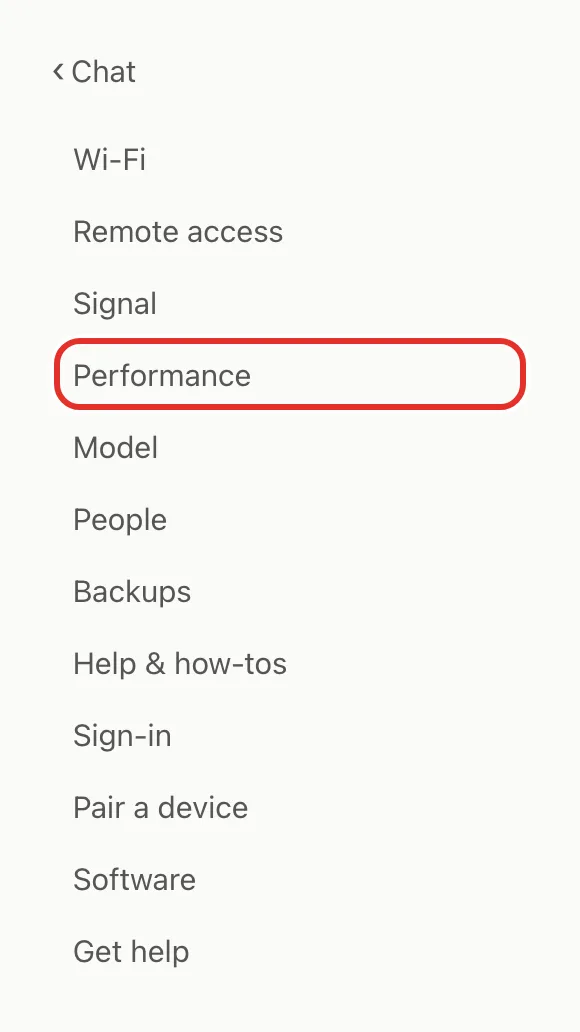
- Tap Performance. On a phone, the list is at the top of the page.
Switch
- Tap Single user / long context or Concurrent users.
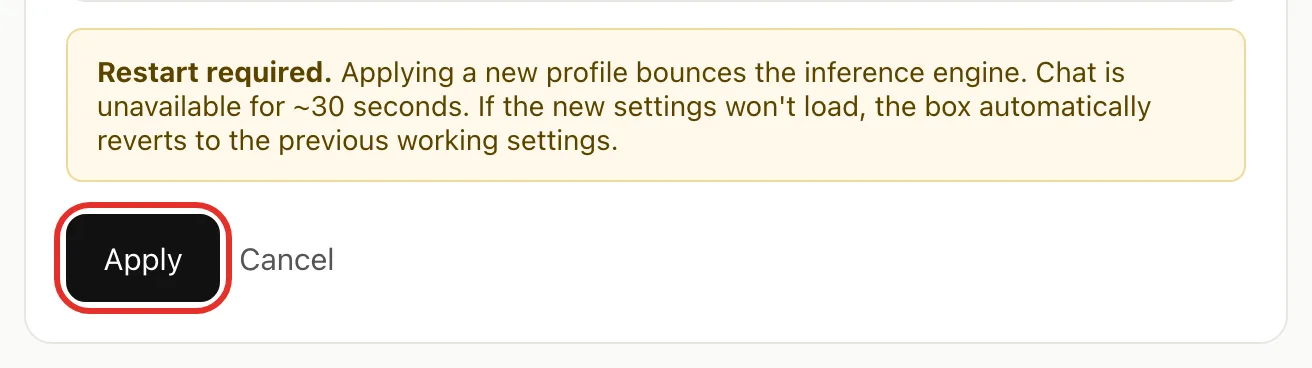
- Tap Apply.
- Wait about 30 seconds for Applied.
Custom
Skip this unless you know you need it.
- Tap Custom.
- Set Concurrent users (1 to 8) and Total context size (4,096 to 1,048,576 tokens). The total is split evenly between users.
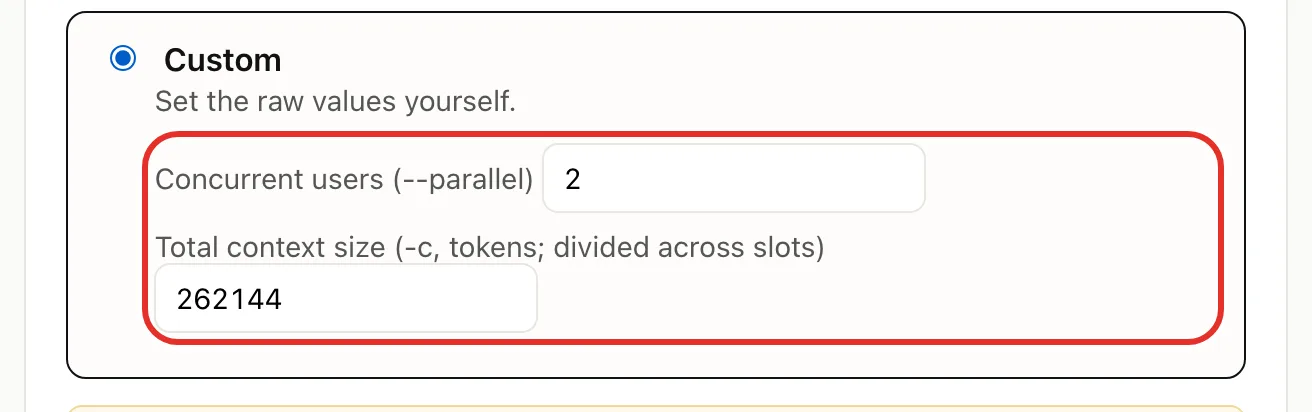
- Tap Apply and wait about 30 seconds.
If something goes wrong
- Couldn't apply → the Box has already gone back to its previous setting and chat still works. Tap Back to performance and pick another choice.
- Chat still down after a change → see Troubleshooting.
Related pages
- Choose and download models: changing the model also pauses chat for about 30 seconds.
- Add people in your household: more people may suit Concurrent users.
Verified on Box software 0.2.8 · 2026-10-05