DocsKeep it running
Back up and restore
Save your Box's settings, conversations and memory to an encrypted backup file, keep nightly copies on a USB drive, and bring everything back from a backup.
Make an encrypted backup of your settings, conversations and memory, and restore your Box from it. AI model files are not included.
Open Backups
- Go to box.local and sign in (Sign in and add devices).
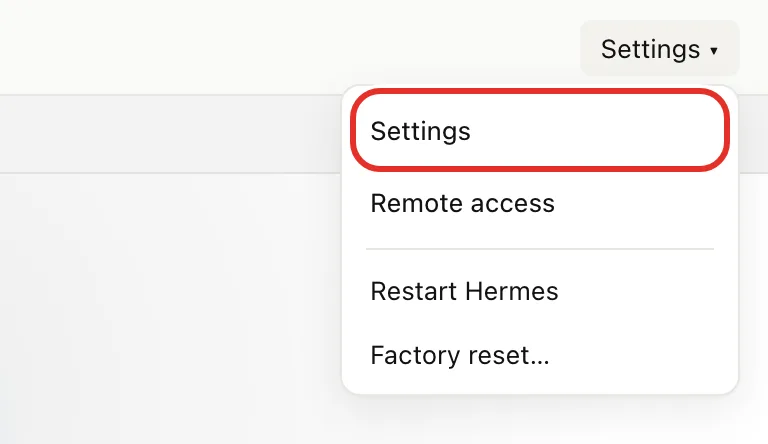
- Tap Settings at the top right, then Settings in the menu.
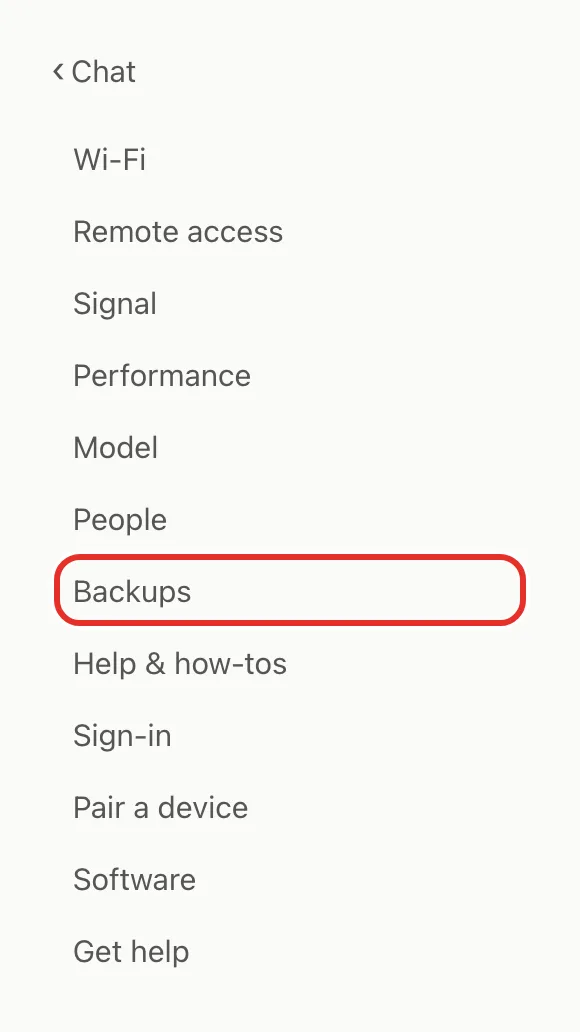
- Tap Backups.
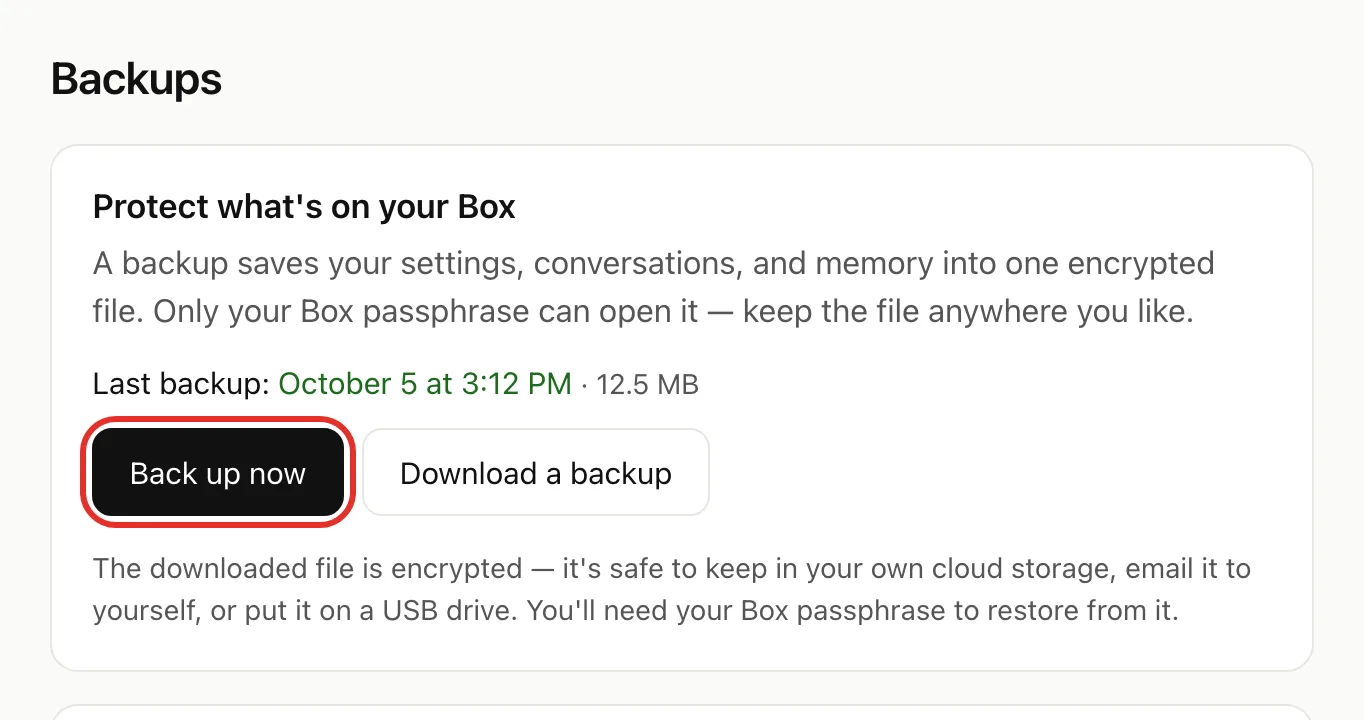
Back up now
- Tap Back up now.
- Keep the page open until Last backup shows today's time.
This copy stays on the Box, and a factory reset erases it. To keep one off the Box, download it or use a USB drive.
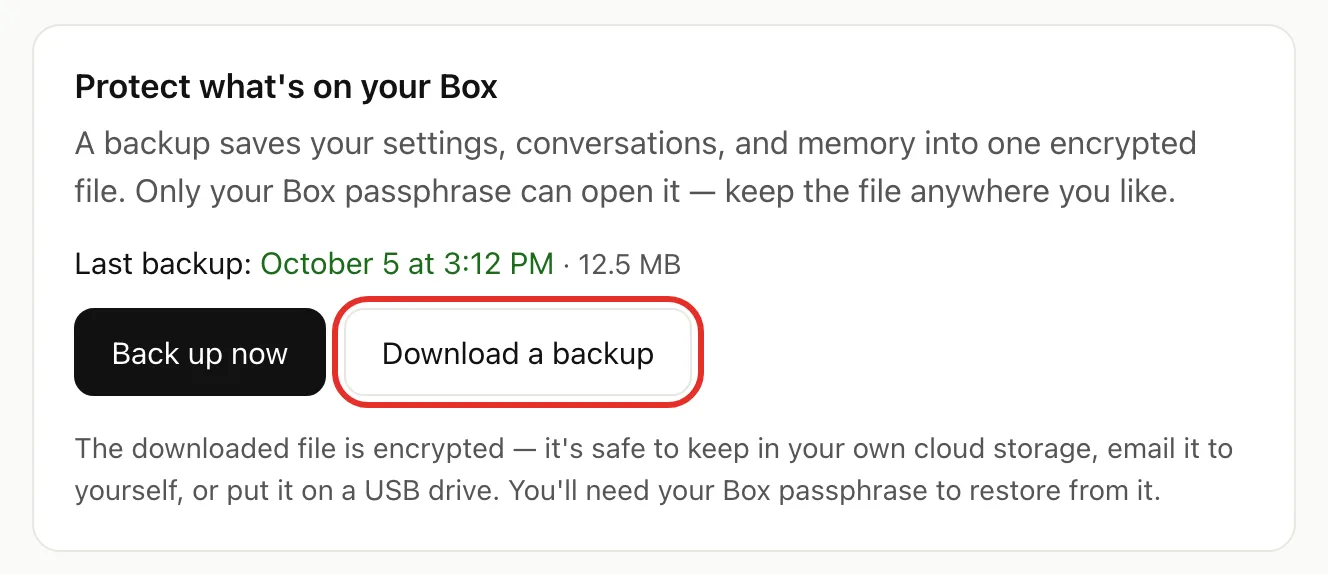
Download a backup
- Tap Download a backup.
- Keep the page open. The .hbk file downloads by itself.
- Move it somewhere safe, such as cloud storage or a USB drive.
Back up to a USB drive every night
- Plug a USB drive into your Box.
- Refresh the Backups page.
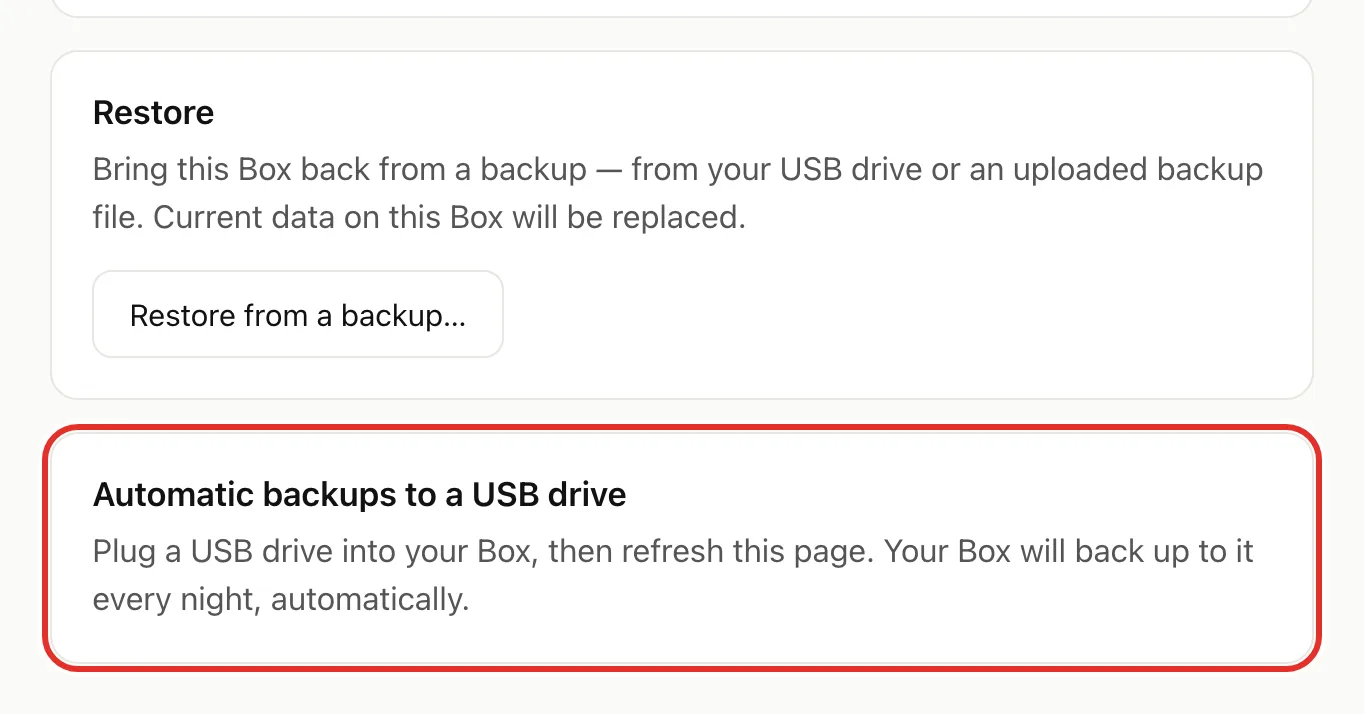
- Tap Use this drive next to your drive.
The Box then backs up every night and whenever you plug the drive back in. Don't unplug it while the card says "Backing up to". To stop, tap Stop using this drive; backups already on it are kept.
Restore from a backup
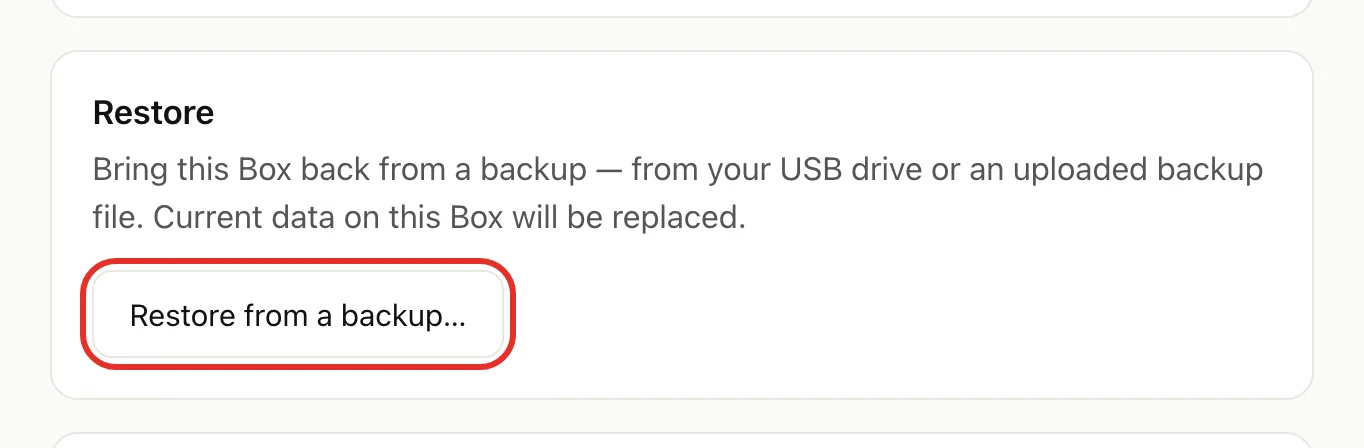
On Backups, tap Restore from a backup…, then follow one of the two paths below.
From a USB drive
- Plug the backup drive into the Box.
- Tap Check again, even if the drive was already plugged in.
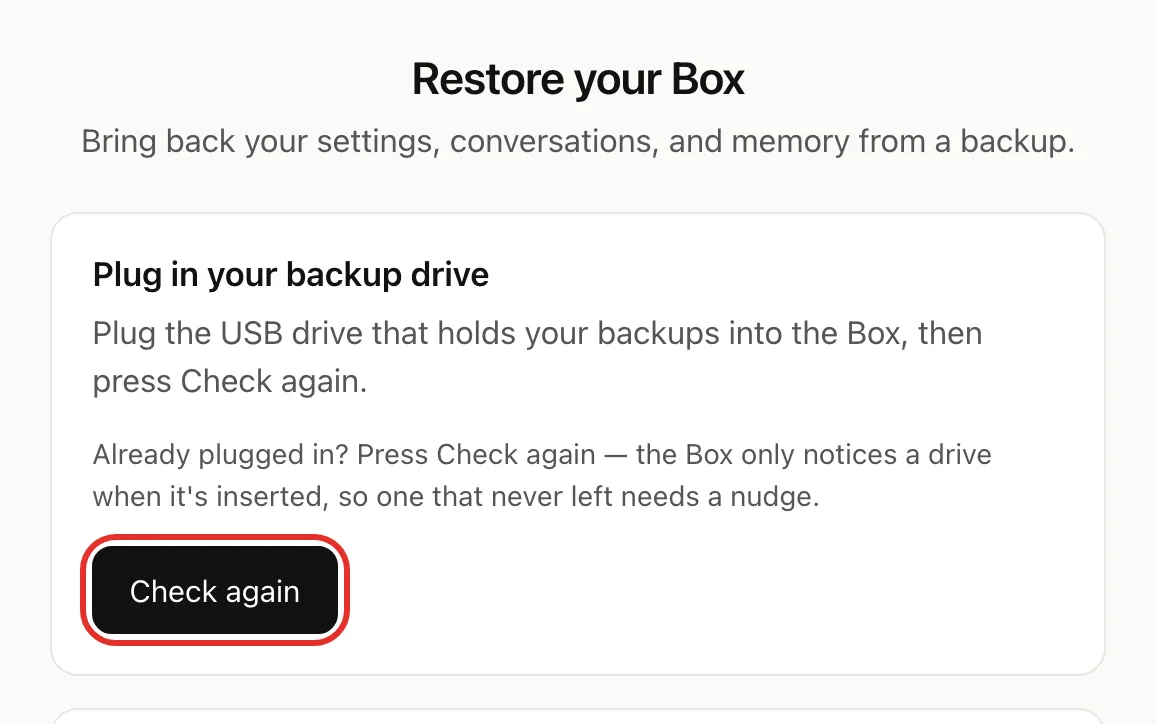
- Under Choose a backup, tap the one you want.
- Type the passphrase from when that backup was made, then tap Restore.
From a downloaded file
- Under Or upload a backup file, tap Choose File and pick your .hbk file.
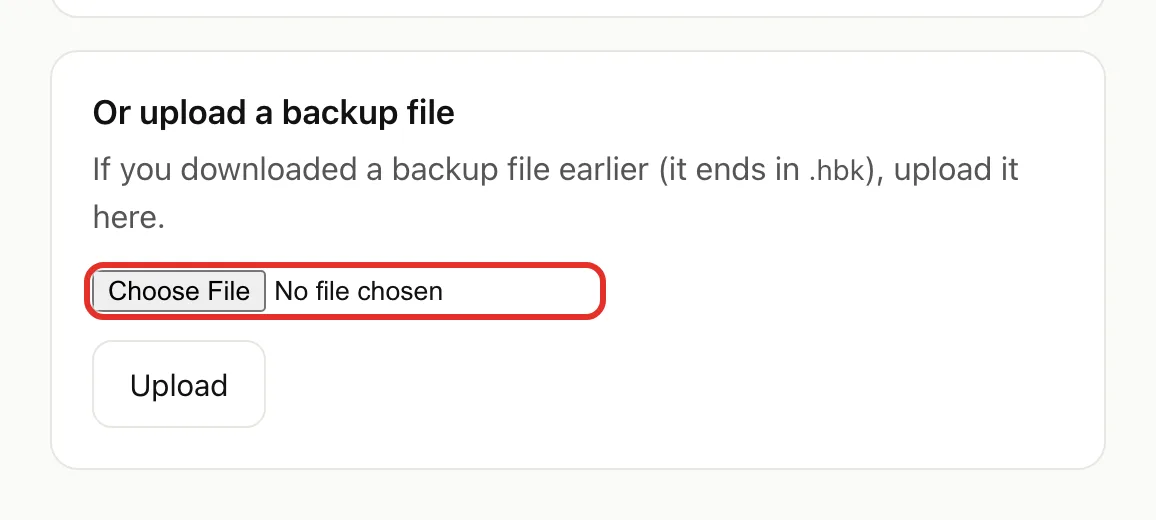
- Tap Upload.
- Under Choose a backup, pick your file, type its passphrase, and tap Restore.
Restoring takes a few minutes; keep the Box plugged in. When it finishes, sign in with the backup's passphrase.
If something goes wrong
- No backup buttons: backups switch on the first time you sign in with your passphrase.
- Choose File does nothing: you're in the phone's Wi-Fi sign-in window. Open Safari or Chrome and go to http://192.168.4.1/restore.
- Setup network vanished during a restore: that means it worked. Join your home Wi-Fi and open box.local.
- "Restore didn't finish": tap Try again. If it repeats, see Get help or email michael.maddison@voxcura.io.
Verified on Box software 0.2.8 · 2026-10-05